5.
Add
a Date
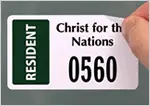
Can you park here forever? The best designs add an expiration date
and, if possible, the specific parking location (i.e. "East Lot").
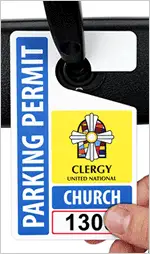
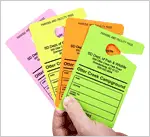
Consider color-coding by year or by parking lot.
6.
Choose
the Right Material
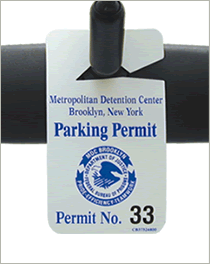
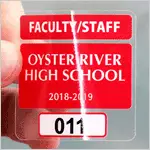
Clear permits do not block the driver's view. Static cling labels
are crystal clear and can be easily removed. Our hefty 35 mils polyethylene
tag is virtually impossible to tear and outlasts heat and sun. Compare
these with thin, laminated permits that can curl or be torn apart.
Reflective permits are great for night-time inspection and are increasingly
popular. Check out our
specs for more information.
7.
Use
Signs to Reinforce Your Program
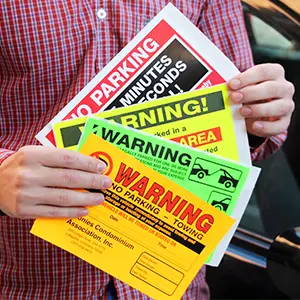
Emphasize that this is Private Property. Confirm that a permit is
required. Make sure that your tow-away policy is clear. Take a look at some of our
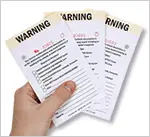
Parking Permit Signs to make a difference.

)
)
)
)
)
)
)